A simple, lightweight CMS for writers and independent publishers
Publii is a desktop CMS for anyone who want to write, organize and publish content without managing server software or working around the rules of a hosted platform. Create posts locally on your computer, manage your website in a visual app and publish it as a fast static site.
Whether you write essays, tutorials, documentation, long-form articles or a personal blog, Publii gives you a clear writing workflow and full control over how your content is structured and published.
Choose the editor that fits the way you work: Markdown for speed, WYSIWYG for familiar visual editing or the block editor for structured layouts.
Practical publishing tools are built in, including image optimization, SEO fields, post organization, authors, tags and writing statistics such as word count, character count and estimated reading time.
Your content stays yours. You are not locked into a rented platform, algorithmic feed or hosted writing service. Publii helps you build a website that you can own, move and publish on your terms.
Compare the three editors below to find the writing workflow that suits you best.
Three post editors for different writing workflows
Every writer works differently. Publii includes three post editors so you can choose the workflow that matches your content: structured blocks, familiar visual editing or fast Markdown writing.
Block editor
Use the block editor to structure articles as separate text, media, gallery, embed and code blocks. You can move individual blocks to reorganize a long post without cutting and pasting sections or editing HTML.
Learn more →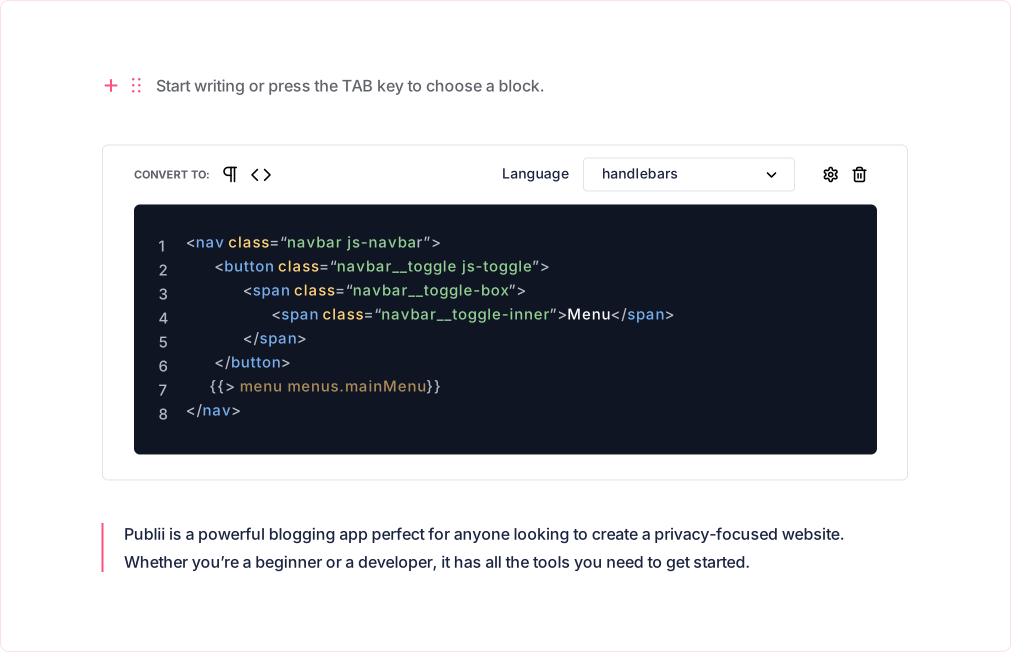
WYSIWYG editor
Choose the WYSIWYG editor if you prefer a familiar writing experience similar to a word processor. Format text visually, add media, create links and prepare posts without writing Markdown or HTML.
Learn more →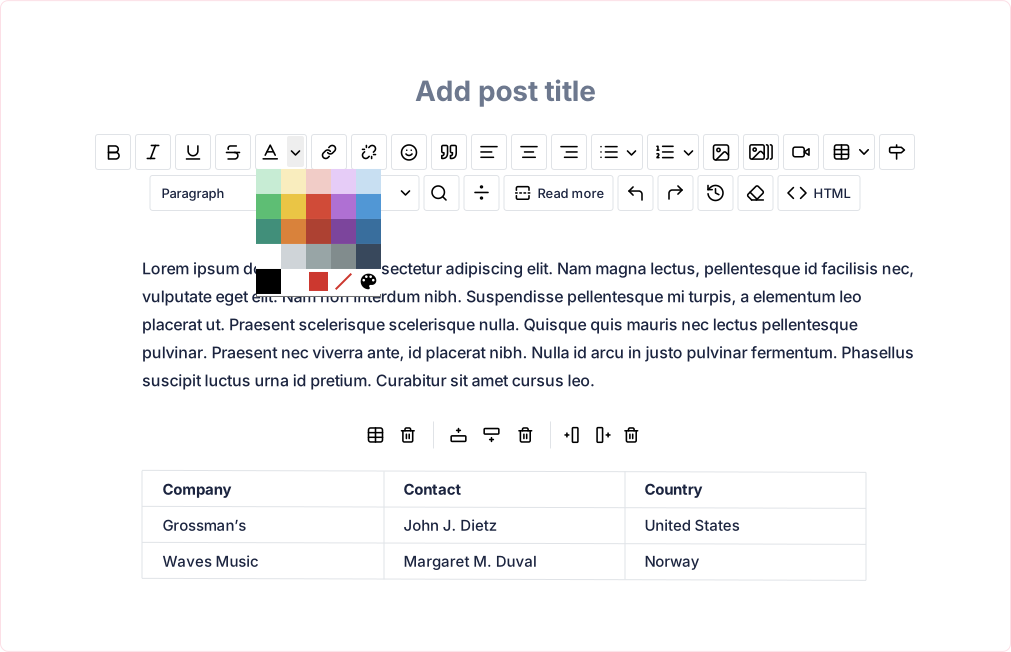
Markdown editor
Use the Markdown editor for a fast, keyboard-friendly writing workflow. It works well for technical posts, documentation and tutorials, as well as for writers who prefer plain text with lightweight formatting.
Learn more →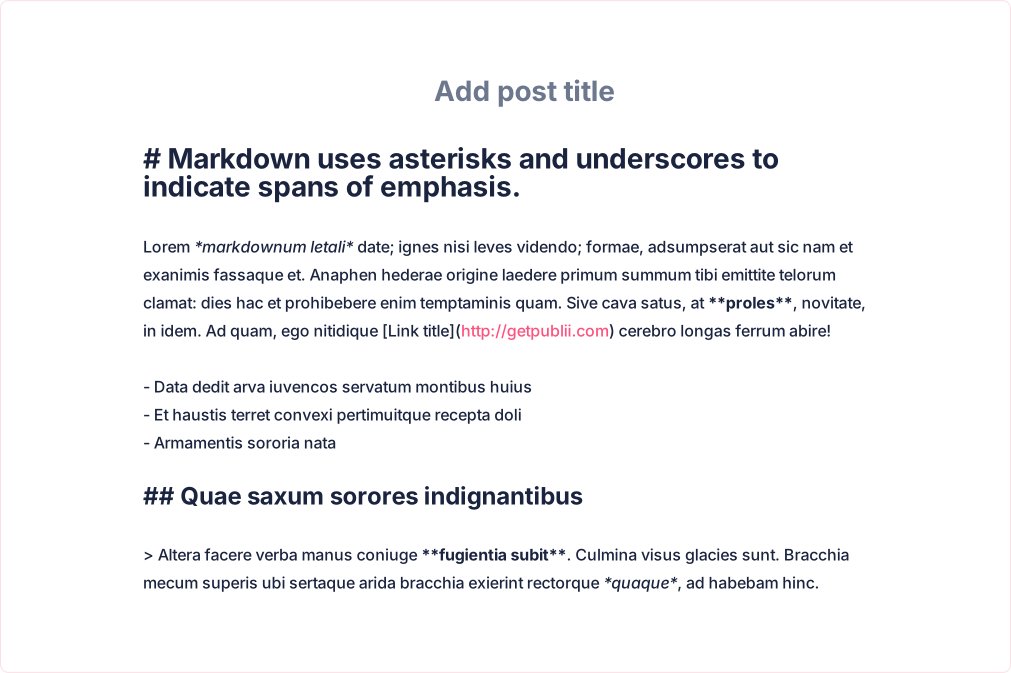
Statistics
Analyze your writing
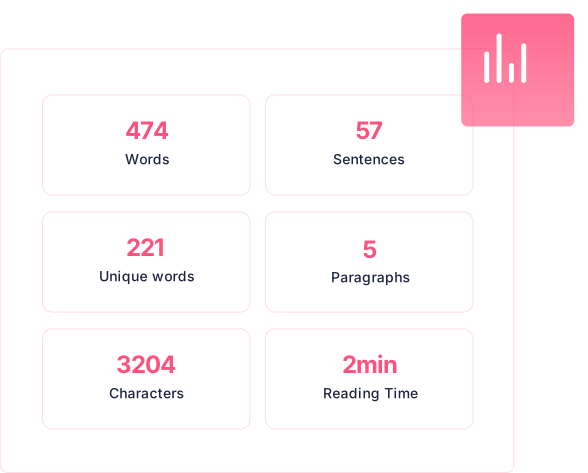
The WYSIWYG editor tracks characters, words, unique words, sentences and paragraphs in real time, and estimates reading time. Use the statistics panel to check the length and structure of your text without leaving the editor.
Media
Rich media
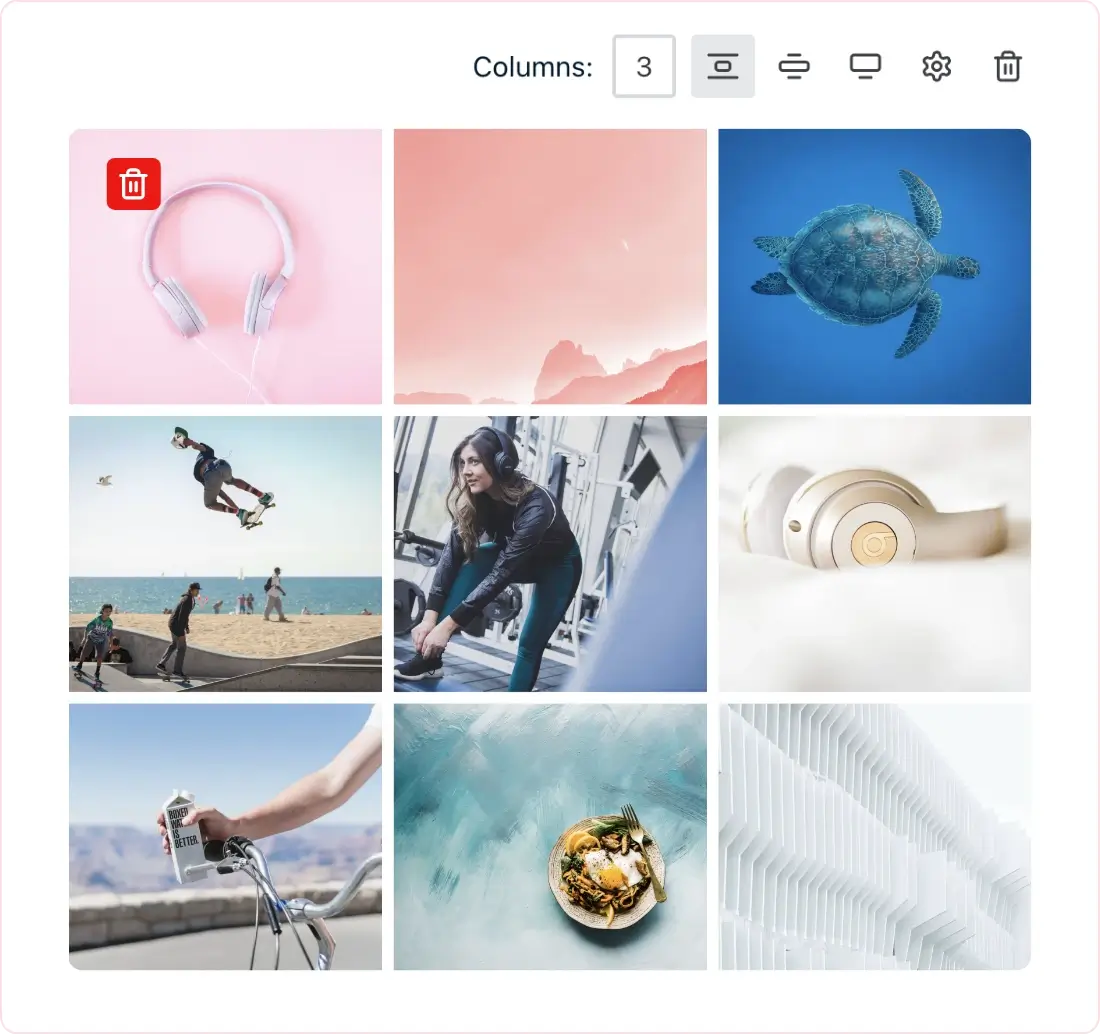
Add image galleries, videos, downloadable files and tables to your posts. You can also highlight code with syntax coloring and mark important passages with the text highlighter.
Content structure
Organize your content
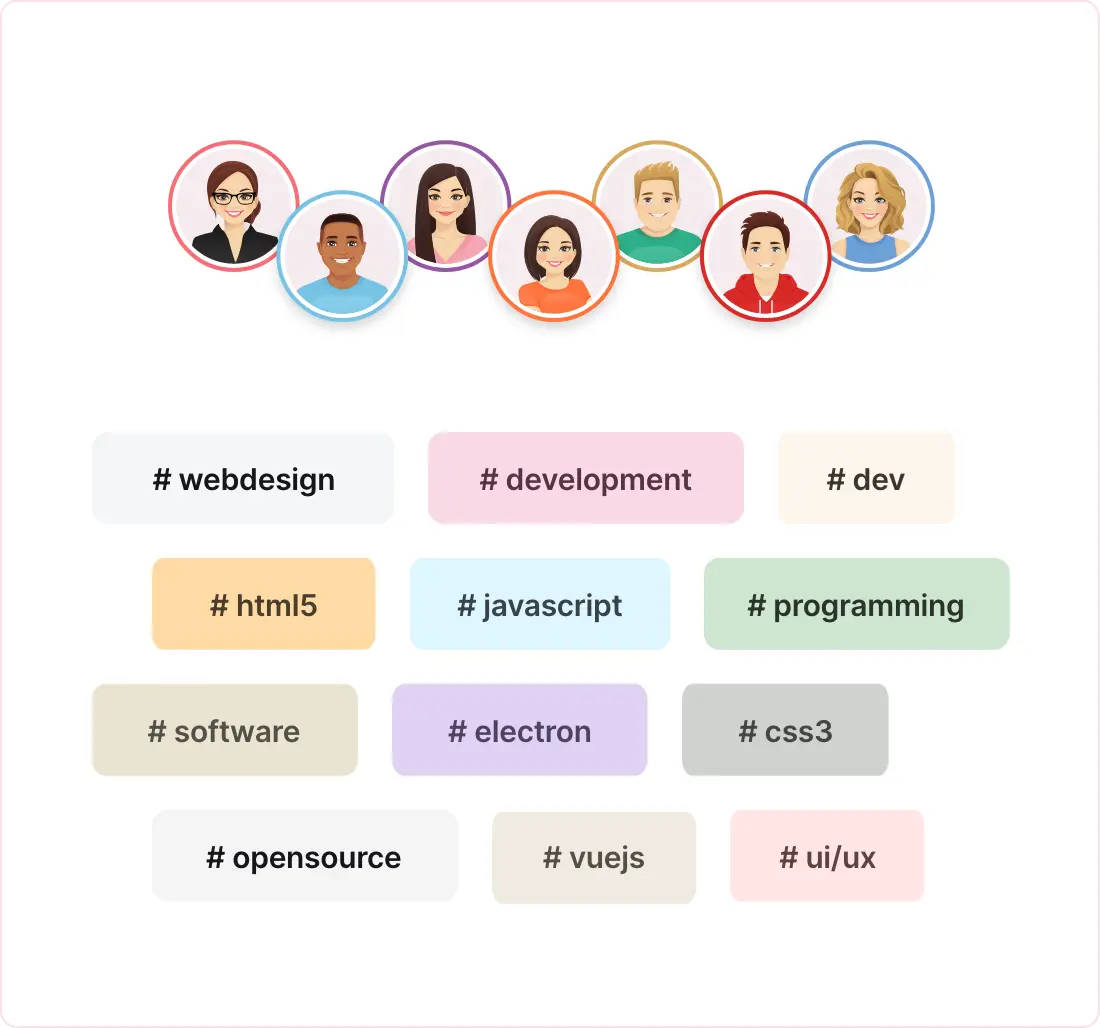
Use authors and tags to organize content beyond a single category. Assign each post to an author and any number of tags, then let visitors browse author and tag pages to find related posts.
Migration
Moving from WordPress? Import your content into Publii
Start a new blog or import an existing WordPress site from its WXR/XML export. Publii can import posts, pages and custom post types as posts, along with images and authors. You can also choose whether WordPress categories or tags become Publii tags.
Learn how to import from WordPress → Compare Publii with WordPress →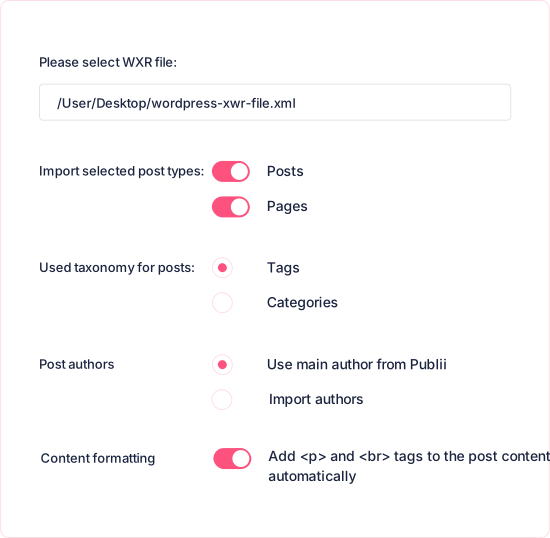
What are you waiting for?
Start building your site today.
- 1 Download Publii
- 2 Write your content
- 3 Publish your site