Keep your work local
Keep your drafts and settings on your computer. The Publii app needs no account and collects no telemetry or usage statistics.
Give visitors clear choices about cookies and embedded content. Publii is a free, open-source CMS that combines static publishing, self-hosted theme assets and built-in consent tools. You decide which external services your website uses.
Keep your drafts and settings on your computer. The Publii app needs no account and collects no telemetry or usage statistics.
Publish static files to your chosen hosting. Your live website needs no PHP, CMS database or public Publii admin panel.
Choose the services your website connects to. Use Publii's privacy tools to manage cookie groups, embedded content and consent signals.
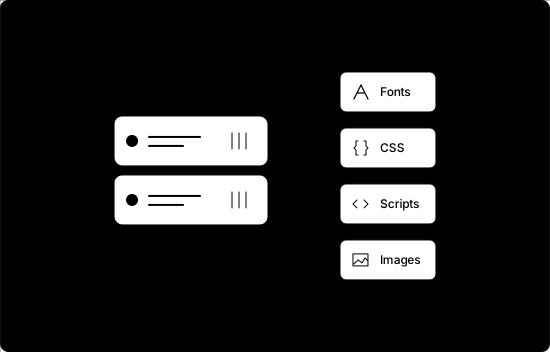
Official free and premium Publii themes serve fonts, scripts, icons and CSS from your hosting, alongside your images. Those assets make no requests to external font providers or CDNs, giving you fewer third-party connections to account for.
Choose a simple cookie notice or offer separate consent groups for analytics, comments and other optional services. Customize the message, explain each group's purpose, link to your privacy policy and let visitors accept, reject or save individual preferences.
Connect your services to those groups so their scripts respect the choices made. Visitors can reopen their settings through a badge or custom link.
Configure the cookie banner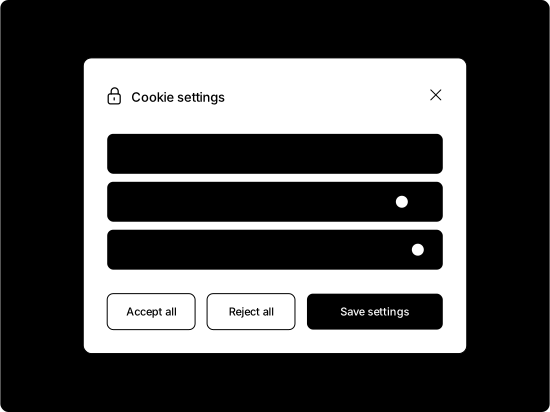
An embedded video can contact its provider before someone presses play. Decide when the player loads and which privacy settings it uses.
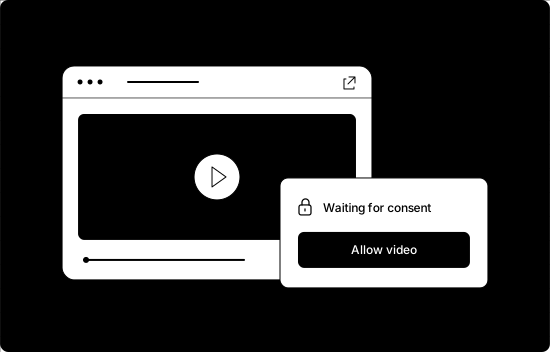
Keep an embedded video from loading before a visitor agrees. Publii can show a customizable message and consent button in its place, then load the embed once its cookie group is accepted.
Set up embed consent rules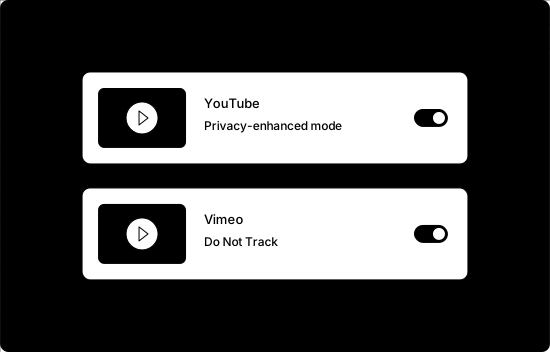
Enable YouTube's privacy-enhanced mode to limit personalization, or Vimeo's Do Not Track option to limit tracking. Combine these settings with embed consent when the external player should wait for permission to load.
Review video privacy settingsComments and analytics can add useful features while connecting your site to external services. Use cookie groups and consent signals to control how those services respond to visitors' choices.
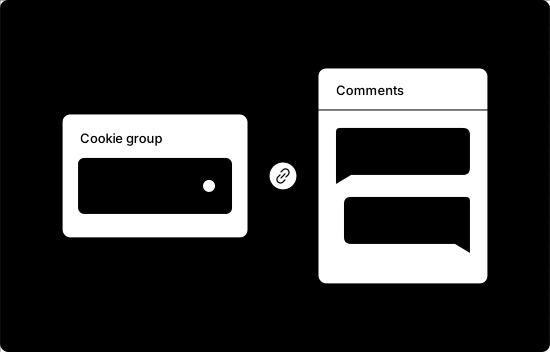
Add chat or search features when your website needs them. Plugins compatible with Publii’s cookie banner respect each visitor’s consent choices, so external services won’t load until the relevant cookie group is accepted.
You can also easily connect custom or manually added scripts to the consent system.
Connect plugins to cookie groups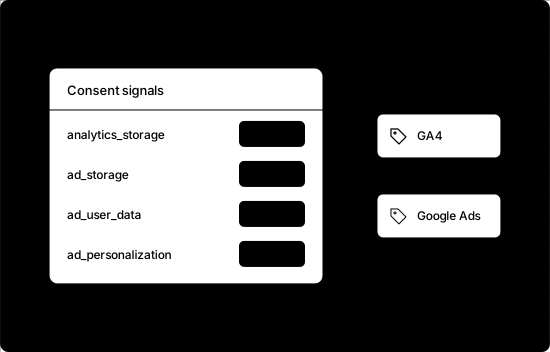
If you use Google Analytics 4 or Google Ads, pass visitor choices from Publii's cookie banner to supported Google tags. Set the default consent state and choose which permissions each cookie group grants.
Configure Google Consent Mode v2Publii includes built-in settings for GPTBot, ChatGPT-User and Common Crawl. Choose which crawler rules to add to the robots.txt file Publii generates. If you use a custom robots.txt file, manage those rules there.
Crawler rules rely on bots respecting them and do not make a public website private. ChatGPT-User requests may not follow robots.txt.
Configure crawler preferences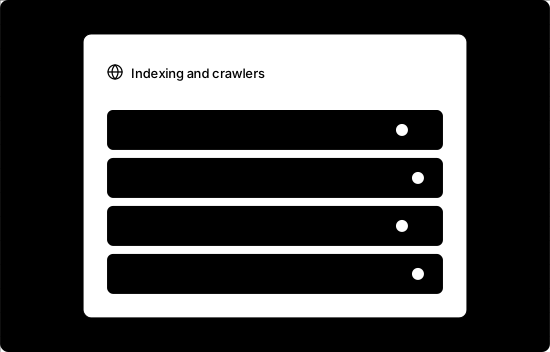
Free and open source. Windows, macOS and Linux.