Build a fast, semantic website that search engines and AI systems can understand
Publii builds your website locally on your computer, then generates a complete set of static files and publishes them to your server. When someone opens a page, the published site does not need to query a database or run server-side PHP to assemble the content. The server can deliver the pre-generated HTML directly.
This architecture gives SEO for static websites a straightforward technical base. The primary content is already present in the HTML, URLs can use a readable structure, and pages can be served without database overhead. Publii also includes settings for page titles, meta descriptions, robots directives, structured data, Open Graph tags and XML sitemaps.
The same SEO fundamentals apply to Google AI Overviews and AI Mode. A page must be indexed and eligible to appear in Google Search with a snippet before it can be shown as a supporting link. Google does not require a special AI file, a separate AI schema or a different version of the page.
Clear headings, accessible HTML, descriptive metadata and a good page experience help people and crawling systems use your content. Publii provides the technical foundation, but it cannot guarantee rankings or inclusion in AI features. Visibility also depends on content quality and relevance, competition, links from other websites and the site's actual performance.
Publii provides technical SEO tools for search engines and AI systems
Publii brings settings for metadata, indexing, URLs, structured data and sitemaps together in the desktop app. These tools help search engines crawl, index and interpret your content. Because AI-powered search features rely on indexed web content, the same crawlable HTML and clear page structure matter there too. You can manage this technical SEO foundation without editing the generated HTML whenever something changes, and no separate AI-specific markup is required.
SEO settings
Control titles, metadata and indexing
Set page titles, meta descriptions and robots directives from the app. You can define reusable SEO rules for different page types, including posts, author pages, tag pages, search results and error pages, then override the defaults for individual content when necessary.
Publii can also add a noindex directive to selected content or the entire website. This tells compliant search engines not to include those pages in their results. Noindex is not access control, however, and it does not replace authentication or password protection.
Learn more →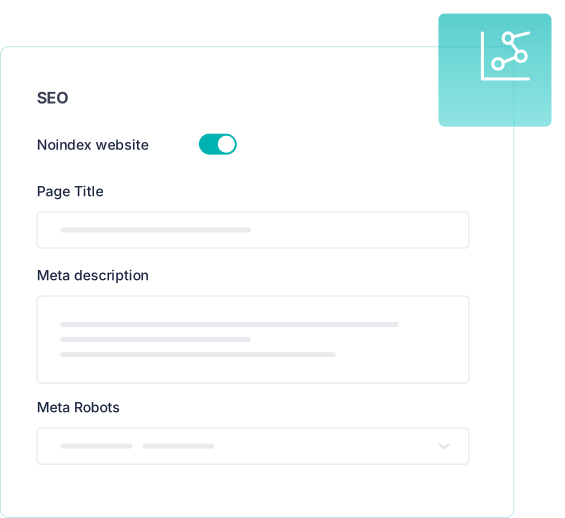
Structured data
Add machine-readable context to your posts
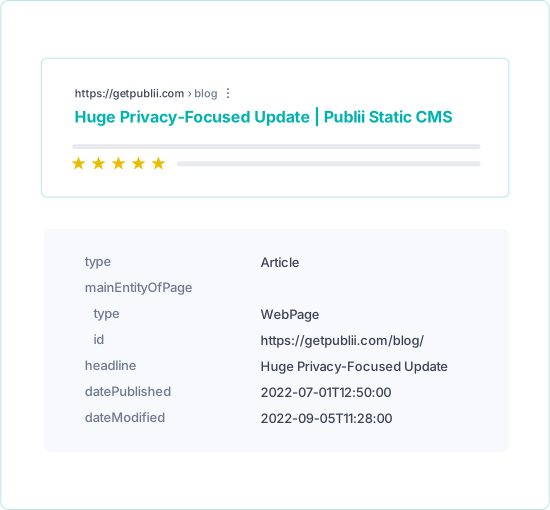
Publii can add structured data to full post pages automatically, giving search engines machine-readable information about the published content. Depending on the theme, developers can extend the markup with Publii's JSON-LD helper when a project needs additional schema.
Valid structured data can make a page eligible for supported rich results, but it does not guarantee that they will appear. The markup must also match the content visible on the page. Google does not require special structured data for AI Overviews or AI Mode.
URLs
Publish clean, search-friendly URLs
Publii can publish pages with the .html extension or as Pretty URLs. When Pretty URLs are enabled, the file extension is removed from the public address. You retain control over slugs and can configure prefixes for posts, tags and authors.
Descriptive URLs give visitors useful context before they open a page and make the hierarchy easier for search engines to interpret. A consistent structure also helps keep related content organized as the website grows.
Learn more →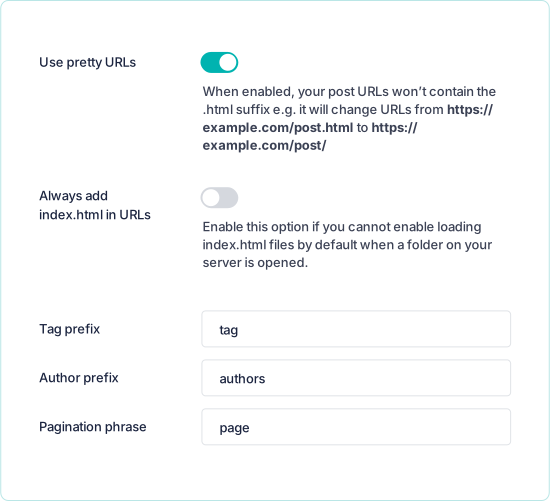
Sitemap
Generate an XML sitemap automatically
An XML sitemap gives search engines a structured list of the public URLs you want them to discover. Publii generates this file automatically and updates it with the published website.
You can choose whether to include tag pages, author pages, homepage pagination and external images, and you can exclude specific files. A sitemap supports discovery and helps crawlers understand the available URL set, but it does not guarantee indexing or higher rankings.
Learn more →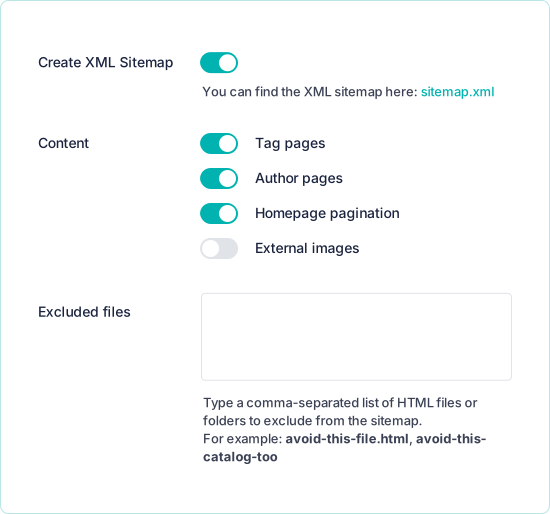
Open Graph
Control how shared links appear
Publii can generate Open Graph tags and Twitter Cards for your content. You decide which titles, descriptions and preview images are used when a link is shared on social networks, messaging apps and other services that support these formats.
These tags do not replace the page title and meta description used for search. Their purpose is to create recognizable, consistent link previews when someone shares your content outside the website.
Learn more →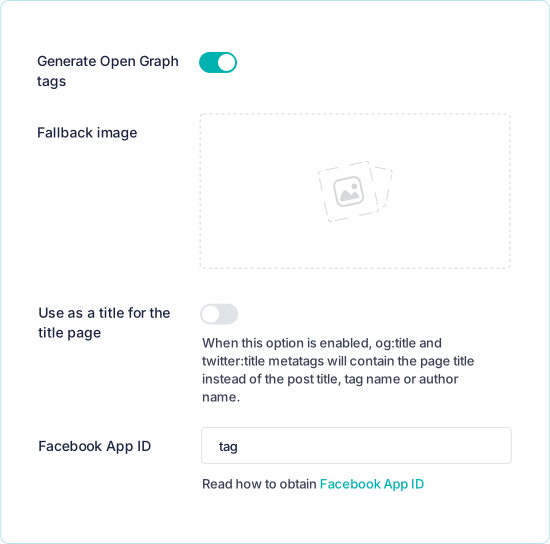
Performance and clean code as a foundation for search visibility
Static pages do not need to query a database or run through PHP when someone opens them. This can reduce server work, shorten loading times and limit the server-side attack surface. Fast delivery and content available directly in HTML provide a strong technical basis for crawling and page experience. Actual performance and security also depend on the theme, hosting configuration, site assets and external services.
Themes
Use lightweight themes for fast, SEO-friendly pages
Publii's in-house themes use HTML, CSS and vanilla JavaScript instead of depending on a heavy front-end framework. Keeping the client-side code focused can reduce rendering work and leaves the primary content available directly in the HTML.
The themes are responsive and designed for different screen sizes. This provides a solid starting point, but the final Core Web Vitals results also depend on images, fonts, external scripts, hosting and any modifications made to the theme.
Browse Publii themes →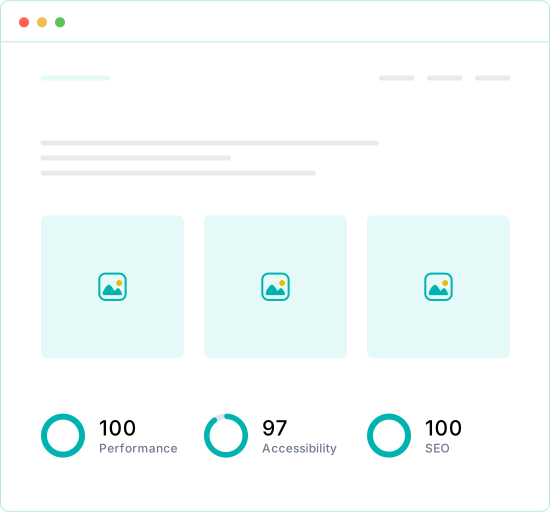
Code
Publish semantic HTML with minimal JavaScript
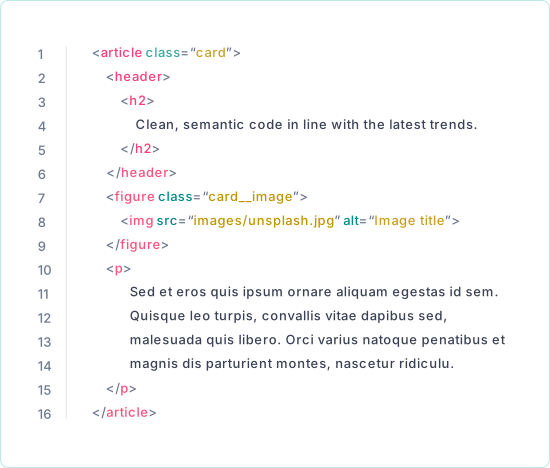
Publii's in-house themes output the primary content directly as HTML instead of assembling it in the browser with a client-side framework. Semantic elements identify parts of the page such as navigation, articles, headings and footers.
This makes the document structure easier to process for browsers, assistive technologies and search engine crawlers. It also means that access to the main content does not depend on a large JavaScript application being executed first.
Performance
Optimize loading behavior in the app
In Website Settings, you can enable native lazy loading for media, generate responsive image sizes and compress HTML and CSS. Publii can also remove HTML comments during compression and add a version parameter that tells browsers to refresh cached assets when the website changes.
These options help reduce transferred data and avoid loading some resources before they are needed. The most suitable configuration still depends on the theme, the published content and the caching behavior of your hosting platform.
Learn more →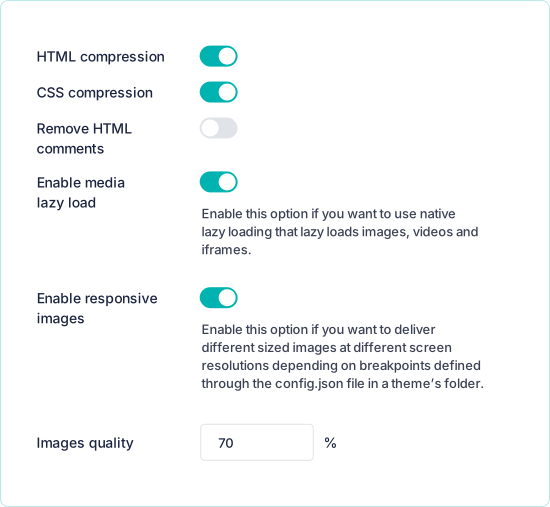
Images
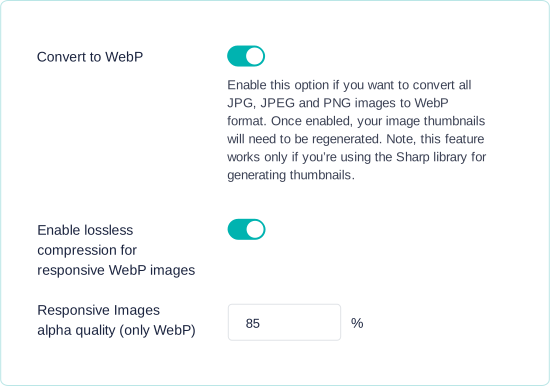
Convert JPG and PNG images to WebP automatically
When responsive images are enabled, Publii can generate WebP variants for JPG and PNG files. The original image remains available as a fallback, while the browser can select a suitable generated file through srcset.
WebP files are often smaller than comparable JPG or PNG files at a similar visual quality. Smaller files can reduce image transfer time, although the actual saving depends on the source image, its dimensions and the selected quality settings.
What are you waiting for?
Start building your site today.
- 1 Download Publii
- 2 Write your content
- 3 Publish your site